Confidential Files: Security Guide & Tips
1. Encrypted Cloud Storage
Encrypts files while stored and during transmission, reducing the risk of unauthorized access.
- Easy to deploy
- Accessible remotely
- Suitable for everyday business documents
- Basic storage may not provide detailed permissions
- Lacks document tracking, watermarking, or transaction-specific controls
2. Password-Protected File Sharing
Requires recipients to enter a password before opening shared files or links.
- Simple to understand
- Inexpensive for occasional sharing
- Passwords can be shared
- Links can be forwarded
- Limited visibility into recipient activity after access
3. Digital Rights Management (DRM)
Applies restrictions to documents to control actions such as viewing, copying, or printing.
- Stronger control over sensitive information
- Can limit certain document actions (copy, print, etc.)
- Introduces additional complexity
- May require specialized software or licensing
4. Email Security and Access Controls
Uses secure email systems, authentication, and organizational policies to reduce accidental or unauthorized disclosure.
- Convenient; teams already use email
- Works well with existing communication workflows
- Attachments can be forwarded, downloaded, or duplicated
- Files can be stored outside the organization’s direct control
5. Data Rooms — Best Option for High-Value Transactions
A dedicated data room combines controlled access, document permissions, watermarking, analytics, audit trails, NDA gating, and other security controls in one environment.
- Strongest combination of security and transaction control
- Administrators can monitor access and restrict downloads
- Custom watermarks and participant groups
- Full audit trails and analytics
- Requires dedicated setup
- However, DeelTrix data rooms make it affordable and easy to set up
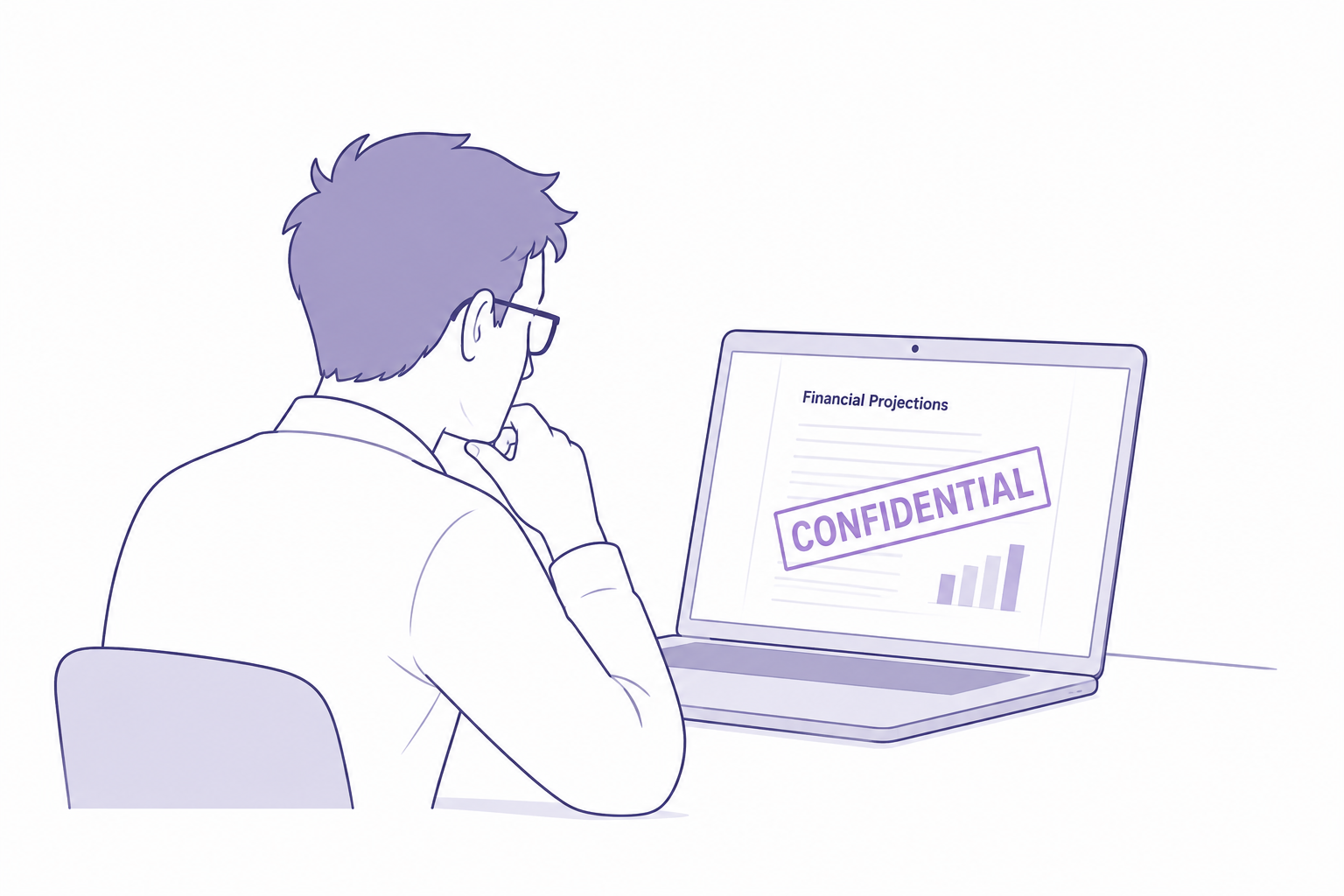
Organizations handle confidential files every day, whether preparing financial information, business projections, intellectual property, investor lists, or strategic product roadmaps. These private documents hold critical value that drives business competitiveness, compliance, and long-term success. When these confidential files are mishandled or leaked, companies face legal risks, damaged reputations, and massive financial losses.
Startups, enterprises, and companies going through fundraising or M&A frequently exchange sensitive files as part of intensive Duedilligence. Whether shared internally or externally, confidential-files demand a secure end-to-end protection strategy. Without proper digital security measures, there is always a risk that files fall into the wrong hands.
This guide explains how to manage confidential files in professional environments, how to mark a document as confidential, and how secure collaboration tools like data room platforms protect shared materials with access controls and dynamic watermark protections.
Why Confidential Files Require Strong Protection
Confidential files explore internal structures, pricing, customer information, and valuable analytics that create strategic leverage. If competitors gain access to these confidential files, businesses may lose their position in ongoing deals or negotiations. Fundraising teams preparing investment proposals also need to secure private documents with clear permission controls.
Leading organizations ensure their private documents meet:
- Legal compliance requirements
- Strong encryption and restricted access
- Accountability when multiple parties review documents
- Complete visibility into who interacts with what
- Dynamic watermark protection to discourage misuse
- Secure workflows across every stage of the business
Handling confidential files with best practices showcases responsibility and builds trust with advisors, partners, and investors.
How to Mark a Document as Confidential
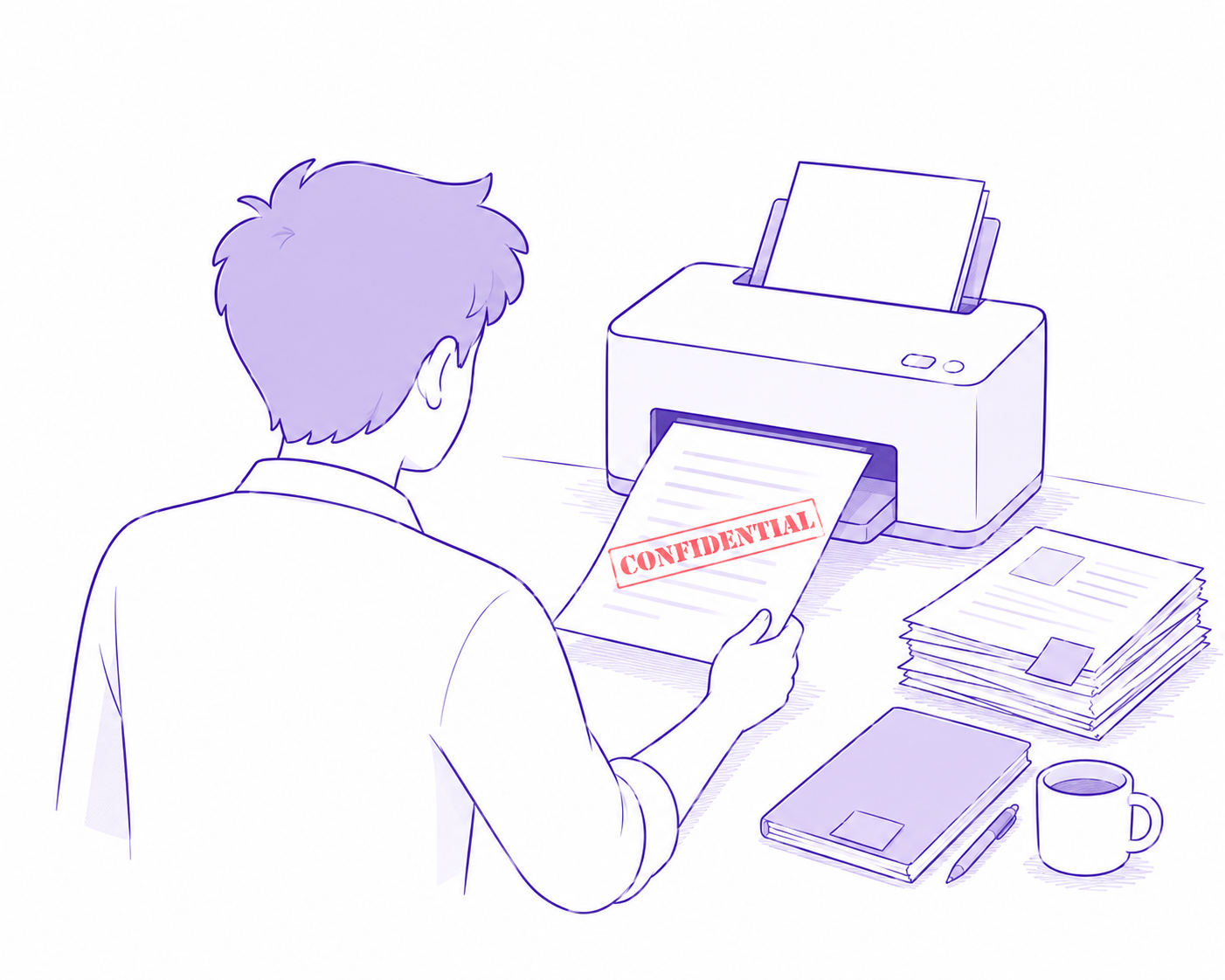
A proper notice helps identify confidential files and ensures personnel handle them carefully. A confidential footer can automatically mark each page with a clear statement. This process works especially well when printing reports or distributing PDF documents during Duedilligence for deals or fundraising.
Steps to include a confidential statement for documents:
- Add a confidential footer on every page
- Include confidentiality notice in document header pages
- Attach legal disclaimers showing usage limitations
- Communicate restricted access guidelines to recipients
- Use controlled sharing platforms instead of general email
A confidential notice for documents not only communicates sensitivity but also fulfills governance requirements.
Private Documents and Access Restrictions
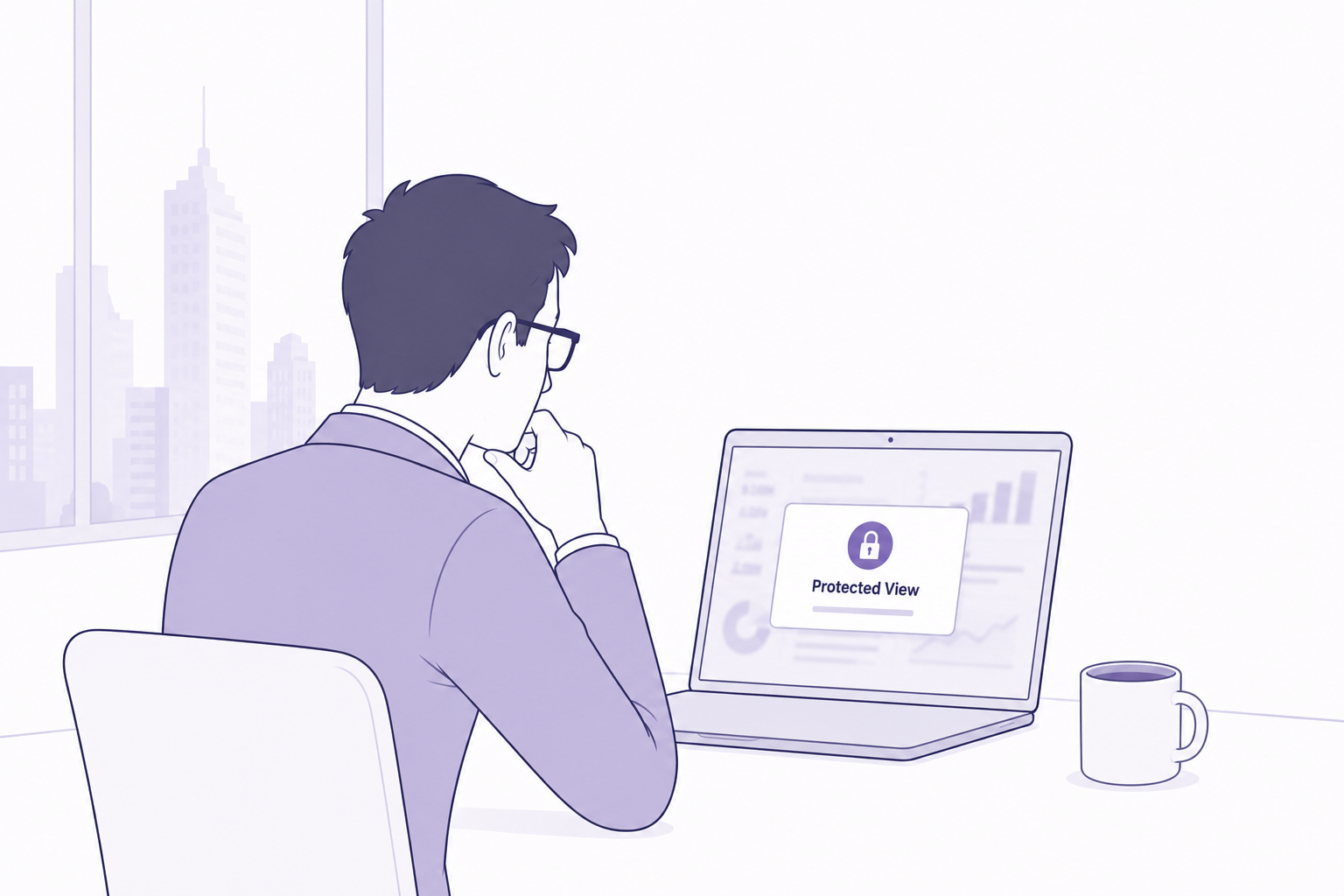
Private documents are business files meant to remain within authorized teams only. Confidential files often fall under this category, especially when used for M&A analysis, investor negotiations, or competitive strategy settings.
Not securing private documents creates legal exposure when regulators and partners require audit-ready accountability. Smart document frameworks ensure confidential files are always protected when shared digitally.
Which of the Following Provides Confidentiality Services?
Many solutions exist, but only secure data room environments offer full confidentiality across:
- Access control
- File encryption
- Download management
- Dynamic watermark retention
- Audit trails
Traditional tools like emails fail to track or restrict usage once confidential files leave the inbox.
Comparison Table: Basic File Sharing vs Secure Confidential File Management
| Feature | Email Attachments / Cloud Links | DeelTrix Secure Data Room |
|---|---|---|
| Encryption | Basic | Advanced and always active |
| Permission Controls | Limited | Granular and role-based |
| Track Who Views Files | No | Fully traceable |
| Dynamic Watermark | Not supported | Real-time auto visibility |
| Confidential Footer Enforcement | Manual | Automatic |
| Revoking Access After Sharing | Very weak | Instant with full control |
| Best for Handling Confidential Files | Poor | Excellent |
This shows that common methods are insufficient for handling confidential files in professional business transactions.
Confidential Statement and Footer Best Practices
Inside confidential documents shared during fundraising or M&A transactions:
- Use a confidential footer throughout the document
- Add a written confidential statement for documents stating legal responsibility
- Ensure only authenticated users can open files
- Apply visual evidence like dynamic watermark markers
- Keep all confidential files inside a secure data room
These practices support Duedilligence requirements and prevent accidental leaks.
How DeelTrix Is the Most Effective Way to Share Confidential Documents
DeelTrix helps companies protect confidential folders throughout business processes such as fundraising, M&A deals, and investor/partner review cycles. This ensures financial models, term sheets, private documents, and legal records stay protected with advanced security.
Key benefits:
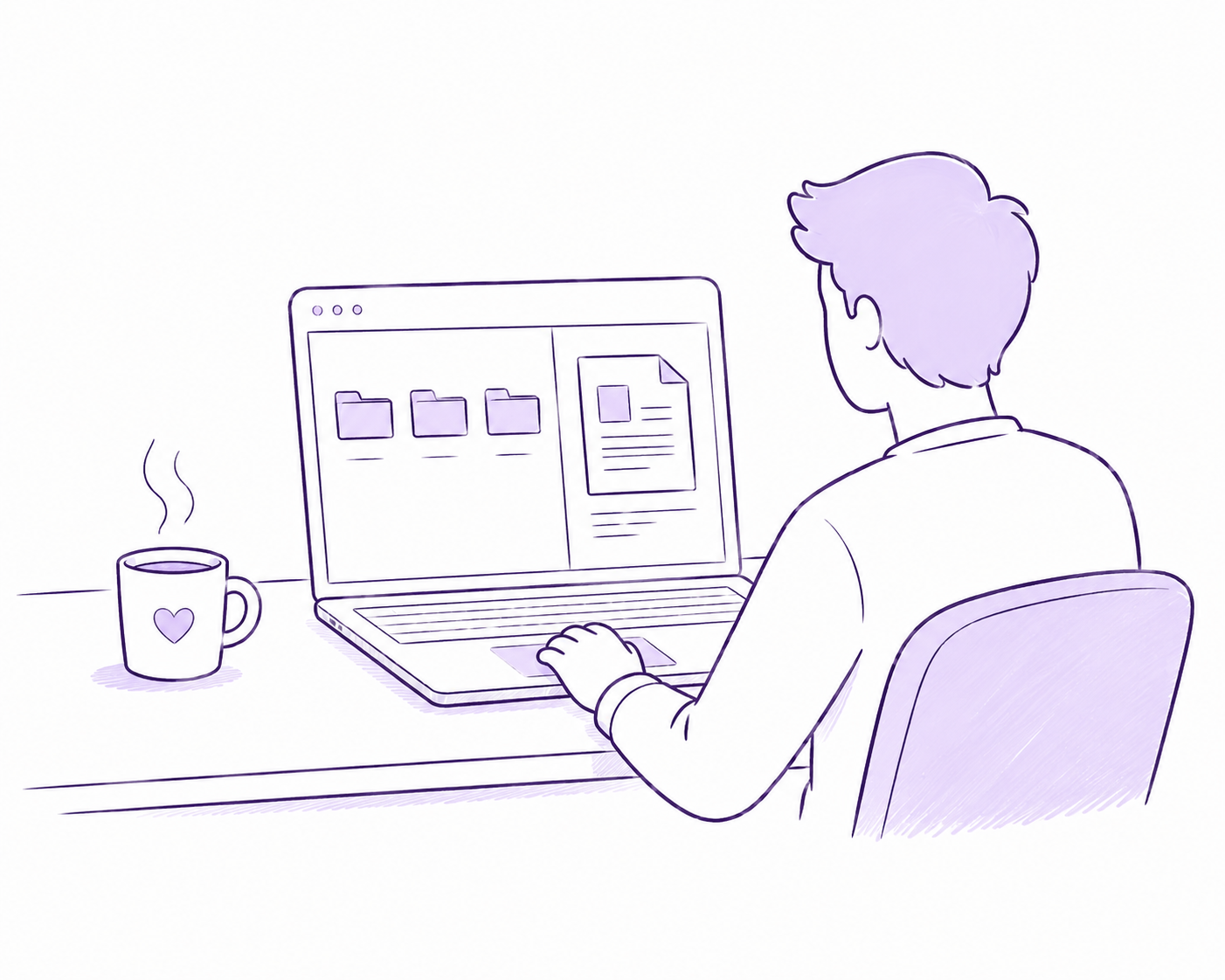
- Centralized data room for structured file management
- Dynamic watermark to prevent unauthorized screenshots
- Access logs that record every action for compliance
- Permission-based controls with time-limited access
- Full encryption and secured viewing of confidential files
- Easy collaboration with controlled interactions
When companies rely heavily on confidential files, DeelTrix ensures that sensitive data never leaves business control.
Protecting Confidential Files Across Business Deal Lifecycles
Confidential files must remain safeguarded from the first sharing moment to final closure. Examples include:
- Startup pitch decks and due diligence reports for fundraising
- M&A closing documentation and integration records
- Strategic pricing for new product launches
- IP legal filings and technical architecture
- Contracts in deals involving regulatory approvals
Consistent protection empowers enterprises to execute faster decisions.
Ready to Secure Document Sharing?
If you are sharing confidential documents for your deals?
Leverage a secure data room:
Create your secure deal room and track access in real time:
https://godeeltrix.com/login
Do not risk exposing confidential files to accidental leaks or bad actors.
FAQs
1. What are confidential files?
Confidential files are documents containing sensitive business, financial, legal, customer, employee, intellectual property, or transaction information that should only be accessible to authorized people.
2. How do I mark a document as confidential?
You can use prominent confidentiality notices, document labels, restricted permissions, and watermarks. For highly sensitive documents, controlled sharing through a secure data room provides additional protection.
3. Are confidential files unsafe once shared?
They can be if shared through unsecured channels. Email attachments and ordinary file-sharing methods may make it difficult to control forwarding, downloading, printing, or subsequent distribution.
4. Which of the following provides confidentiality services best?
A secure virtual data room with granular permissions, document tracking, watermarking, controlled viewing, and audit trails provides a stronger approach to confidential document sharing.
5. Can DeelTrix secure confidential files for startups and corporate teams?
Yes. DeelTrix helps startups, investment teams, advisors, and corporate organizations securely share sensitive documents while maintaining control over access, viewing, downloading, printing, and document activity.
6. What is confidential document sharing?
Confidential document sharing is the controlled distribution of sensitive information to authorized recipients while limiting unauthorized access, copying, downloading, printing, or redistribution.
7. Why shouldn’t I send confidential documents as email attachments?
Email attachments can be forwarded, downloaded, stored locally, or accidentally sent to the wrong recipient. A secure data room provides significantly more control over how sensitive documents are accessed.
8. How can I securely share confidential business documents?
Use a secure platform with permission controls, authentication, watermarking, access monitoring, and audit trails. DeelTrix provides these capabilities within its data room environment.
9. Can I control who sees a confidential document?
Yes. DeelTrix provides granular folder and document-level permissions, allowing administrators to determine which participants can access specific information.
10. Can I prevent confidential documents from being downloaded?
Yes. Administrators can configure documents as View Only, preventing authorized users from downloading the file when download access is not appropriate.
11. Can confidential documents be printed securely?
Yes. DeelTrix can provide controlled printing options and support watermarking so printed copies can carry identifying information.
12. What information can a document watermark contain?
Depending on the configuration, watermarks can include information such as the viewer’s email address, IP address, timestamp, confidentiality notices, and custom watermark text.
13. Why is dynamic watermarking important for confidential documents?
Dynamic watermarking creates greater accountability by associating a document copy with the person accessing or printing it. This can discourage unauthorized distribution and help with investigation if a copy appears outside the intended group.
14. Can I create custom watermarks in DeelTrix?
Yes. DeelTrix supports custom watermarking, allowing organizations to add their own confidentiality language, branding, transaction references, or other relevant information.
15. Can I track who accessed confidential documents?
Yes. DeelTrix provides document activity analytics that can help administrators understand who accessed shared documents and how participants interacted with the data room.
16. Can I see how long someone viewed a confidential document?
DeelTrix provides engagement analytics that can help deal teams understand document and participant activity, providing more context than simply knowing that a file was opened.
17. What are Page-Level Insights?
Page-Level Insights provide a more detailed view of document engagement by helping teams identify which sections or pages receive attention. This can be valuable when a long financial report or presentation contains multiple areas of interest.
18. Can confidential document sharing support M&A?
Yes. M&A transactions frequently involve confidential financial, legal, commercial, operational, and intellectual property documents. A secure data room helps organize and control access to these materials during due diligence.
19. Can confidential document sharing be used for fundraising?
Yes. Founders can use a secure data room to share pitch decks, financial models, cap tables, contracts, business plans, and other sensitive information with prospective investors.
20. Can investors be given different levels of access?
Yes. Granular permissions allow administrators to provide different participants or groups with access to different folders and documents.
21. What are Data Room Groups?
Data Room Groups allow administrators to organize participants into logical groups, such as investors, buyers, lawyers, financial advisors, or internal teams, and manage access more efficiently.
22. Can I compare engagement between different user groups?
Yes. DeelTrix Group Analytics can help deal teams compare activity across different participant groups, providing a broader view of stakeholder engagement.
23. How can group analytics help during an M&A deal?
An advisor can compare buyer management, legal, financial, and consultant groups to understand which areas of the data room each group is reviewing most actively.
24. Can confidential document sharing include NDA protection?
Yes. NDA gating can require participants to accept confidentiality terms before accessing protected information.
25. What is NDA gating?
NDA gating places a confidentiality agreement or acceptance requirement before users can enter a protected data room or access designated materials.
26. Can I notify users when confidential documents are updated?
Yes. DeelTrix provides notification capabilities that allow administrators to broadcast updates and include administrative notes when important documents are added or changed.
27. Can I export activity records for confidential documents?
Yes. Audit export capabilities can help organizations maintain transaction records and review relevant data room activity after or during a deal.
28. What is an audit trail for confidential documents?
An audit trail is a record of relevant activity associated with documents and data room participants. It can help deal teams understand access and activity throughout a transaction.
29. Is confidential document sharing useful for legal teams?
Yes. Legal teams routinely handle contracts, litigation materials, corporate records, intellectual property documents, and other information that requires controlled access.
30. Is confidential document sharing useful for investment banks?
Yes. Investment banks can use secure data rooms to distribute transaction documents to buyers, sellers, investors, advisors, and other authorized parties while maintaining centralized control.
31. Can corporate teams use DeelTrix for confidential documents?
Yes. Corporate teams can use DeelTrix for M&A, strategic partnerships, restructuring, audits, fundraising, financial reviews, and other projects involving sensitive information.
32. Can I restrict access to individual folders?
Yes. Folder-level permissions allow administrators to give different groups access to specific sections of the data room.
33. Can I restrict access to individual documents?
Yes. Document-level access provides more precise control when individual files contain different levels of sensitivity.
34. Can I give someone View Only access?
Yes. View Only permissions allow participants to review permitted documents without automatically giving them download or print rights.
35. What is Protected Viewport?
Protected Viewport is designed to provide a controlled document-viewing environment for sensitive materials, helping reduce unnecessary exposure while users review confidential information.
36. What is Focus Lock?
Focus Lock is designed to help protect sensitive document viewing when a participant moves away from the active viewing environment, such as switching to another browser tab.
37. Can confidential documents be shared with external parties?
Yes. Authorized external users such as investors, buyers, lawyers, accountants, consultants, and advisors can be granted controlled access.
38. How can startups protect confidential information during fundraising?
Startups can place important fundraising materials inside a secure data room, apply appropriate permissions, use NDA gating and watermarking, and monitor investor engagement through analytics.
39. What documents should be protected during fundraising?
Common examples include financial projections, cap tables, customer information, contracts, intellectual property documents, incorporation records, employee information, and strategic plans.
40. What documents should be protected during M&A?
Typical sensitive materials include financial statements, customer contracts, employee records, intellectual property documentation, commercial agreements, tax records, debt information, and operational data.
41. Is DeelTrix secure?
Yes. DeelTrix is ISO certified, and organizations can learn more about the ISO 27001 standard through ISO 27001. DeelTrix also provides the option to select a preferred data center location to help organizations address applicable data residency requirements and internal policies.
42. What are data rooms used for?
Data rooms are used to securely organize, share, and monitor sensitive business information. Common applications include M&A due diligence, fundraising, investment banking, audits, corporate restructuring, strategic transactions, and legal reviews.
To explore why data rooms are important and how they support sensitive transactions, check out this video explaining why data rooms are crucial.
43. Can I choose where my confidential data is stored?
DeelTrix provides organizations with a choice of preferred data center location, helping businesses align their data storage strategy with applicable regional data residency requirements.
44. Why does regional data storage matter for confidential documents?
Organizations operating across jurisdictions may have internal policies or regulatory requirements concerning where sensitive information is stored. Regional storage selection can help organizations align their data management strategy with those requirements.
45. Can I protect confidential documents without slowing down collaboration?
Yes. A secure data room can provide controlled access while allowing authorized participants to review information without relying on repeated email attachments or manual file transfers.
46. How does confidential document sharing help deal teams?
It centralizes sensitive information, controls participant access, creates visibility into document engagement, and helps reduce the operational risks associated with uncontrolled document distribution.
47. Can I use confidential document sharing for multiple transactions?
Yes. DeelTrix supports multiple data rooms, allowing teams to keep documents, participants, permissions, analytics, and activity records separated across different projects.
48. What makes DeelTrix different for confidential document sharing?
DeelTrix combines granular document permissions, analytics, Page-Level Insights, Group Analytics, custom watermarking, NDA gating, Q&A Management, Protected Viewport, Focus Lock, notifications, audit exports, and regional storage selection in one platform.
49. Is confidential document sharing better than ordinary cloud storage?
For highly sensitive transactions, a dedicated data room can provide controls specifically designed for controlled document distribution, including granular permissions, watermarking, activity tracking, NDA gating, and transaction-focused analytics.
50. Why use DeelTrix for confidential document sharing?
DeelTrix provides a centralized environment for securely sharing and monitoring sensitive documents across fundraising, M&A, due diligence, investment banking, and corporate transactions. Instead of simply storing files, teams can control access, monitor engagement, apply watermarks, manage questions, organize participant groups, and maintain greater visibility throughout the transaction lifecycle.