Dropbox continues to be one of the most popular platforms for document sharing, with millions relying on it for files and folder management, shared drives, and quick link sharing. Whether you’re handling personal documents, a client pitch deck, or corporate contracts, ensuring security in your Dropbox folder has never been more important.
In 2025, professionals are increasingly asking: How do I protect a Dropbox folder with a password? Let’s explore how to secure your data using Dropbox’s built-in features and when to consider alternatives like DeelTrix for more advanced protection.
Step 1: Create a Dropbox Account
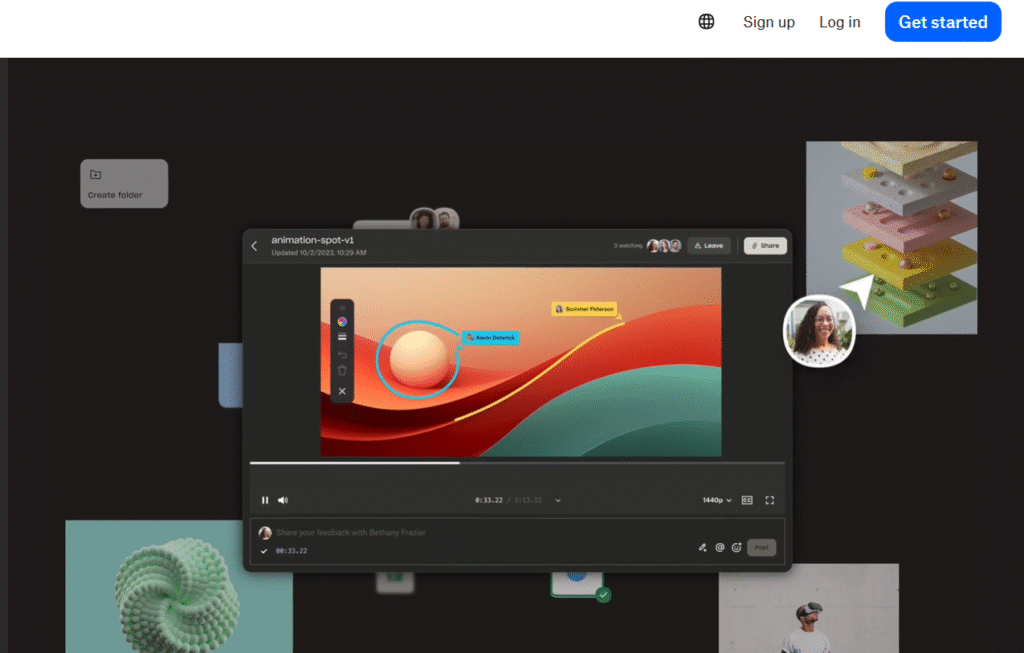
If you don’t already have one, you’ll need to create a Dropbox account. Visit the official site, sign up, and choose between Dropbox plans free, Dropbox Professional, or other Dropbox pricing plans.
- Free Dropbox: Includes a limited Dropbox free plan with basic dropbox storage.
- Paid Dropbox plans: Higher Dropbox cost tiers offer secure document sharing, larger dropbox storage plans, and better admin controls.
Step 2: Upload Your Files and Folders
Once you’ve signed in through Dropbox log in, you can add folder, add files, or even create a shared folder. With Dropbox uploading, all your dropbox file content is synced to Dropbox cloud storage, making it accessible across devices.
Step 3: Share Dropbox Folder with a Password
Here’s where security matters. When you share Dropbox folder links, you can add a password to control access.
- Go to the folder or dropbox file sharing option.
- Select dropbox share with link or dropbox shareable link.
- Enable dropbox password protection (available in Dropbox Professional and above).
- Share the document safely with the correct recipients only.
This ensures that your shared folder or shared files are accessed only by authorized users.
Step 4: Manage Shared Links and Permissions
Dropbox makes it easy to send link or share link with colleagues or clients. You can:
- Set expiration dates on links.
- Limit downloads for secure file send.
- Only share with specific email addresses.
These options provide secure file sharing within Dropbox cloud, but advanced features depend on the Dropbox plans you’re subscribed to.
Dropbox Pricing and Plans in 2025
Understanding Dropbox pricing is key before you make a Dropbox account or upgrade.
- Dropbox free plan – Basic storage, good for individuals.
- Dropbox Professional – Paid tier with dropbox password options and advanced dropbox link sharing.
- Enterprise software solutions – For large teams requiring document control, compliance, and centralized document management systems.
When evaluating, consider pricing comparison with other tools or even alternatives Dropbox options if security is your priority.
When Dropbox Might Not Be Enough
While Dropbox is great for free document sharing and file sharing links, some industries—such as investment banking, M&A, or fundraising—require secure document sharing far beyond basic dropbox storage features. If your workflow involves document pdf, confidential data rooms, or enterprise level software requirements, you may need more robust tools.
DeelTrix – A More Secure Alternative for Confidential Sharing
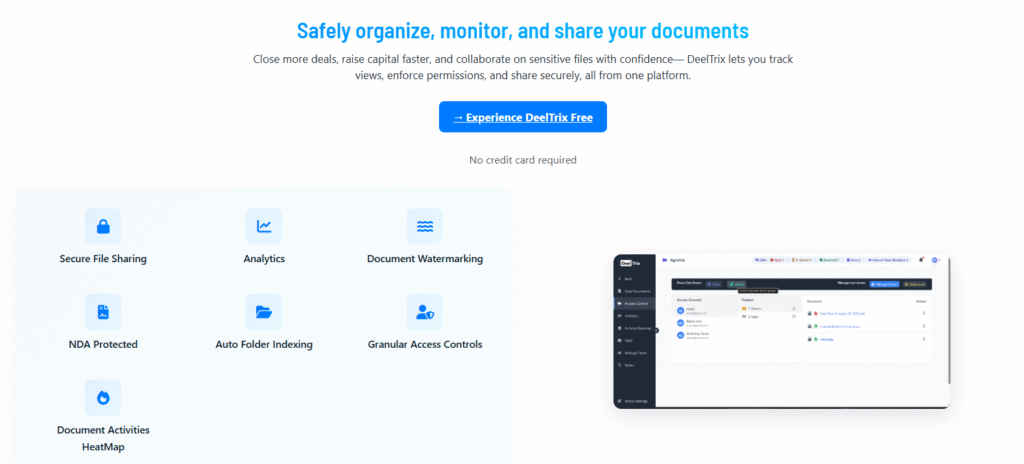
For highly sensitive use cases like fundraising, M&A, or due diligence, Dropbox alone may not offer enough protection. That’s where DeelTrix comes in.
Unlike a standard Dropbox folder, DeelTrix is a virtual data room (VDR) built for secure document management and advanced control.
Key Benefits of DeelTrix:
- Granular document control – Restrict downloads, set view-only access, and revoke permissions instantly.
- Advanced document management software – With document archiving software, doc management software, and document applications, DeelTrix ensures compliance.
- Collaboration tools – Integrated team collaboration tools, crm platform compatibility, and team collaboration features.
- Engagement insights – Built-in email tracking, website tracking, and tracking applications show how investors interact with your document pdf or pitch deck.
- Scalable and flexible – DeelTrix offers a free trial or free trial free model and scales into full enterprise level software following a freedom software philosophy.
DeelTrix is not just about document sharing; it’s about secure document sharing. If you need more than a Dropbox shared folder, DeelTrix is the best application to ensure confidentiality.
FAQs – Protecting Dropbox Folders with Passwords
Q1. Can I password-protect a Dropbox folder?
Yes, but only with certain Dropbox plans like Dropbox Professional. With a Dropbox shareable link, you can add a password for secure access.
Q2. Is Dropbox free plan enough for secure file sharing?
The Dropbox free plan is great for individuals, but for secure file send and secure Dropbox features, upgrading is necessary.
Q3. What are alternatives to Dropbox for secure sharing?
If you need data room functionality or enterprise-grade document management software, DeelTrix is a better fit.
Q4. How does DeelTrix differ from Dropbox?
Dropbox focuses on dropbox file sharing, while DeelTrix provides secure document sharing, document control, and analytics like email tracking and marketing analytics.
Q5. How much does Dropbox cost in 2025?
Dropbox pricing plans vary, from Dropbox free plan to Dropbox Professional and enterprise tiers. Always check Dropbox cost details and compare them with alternatives Dropbox like DeelTrix.
In 2025, you can make a Dropbox account, secure it with a password, and manage your shared folder permissions. But for mission-critical, confidential projects, DeelTrix’s secure data room provides the advanced security, compliance, and tracking that modern businesses need.

- Secure Sharing
- Document Analytics
- Watermarking
- Granular Access Control
Share investor decks securely with live updates, page analytics, and instant revocation controls.
Organize financials, contracts, and compliance docs in one secure room with audit trails.
Control sensitive contracts and regulatory files with watermarking and access restrictions.
Send proposals with engagement signals and track which sections prospects value most.
Distribute reports with visibility into reader activity and keep conversations in-platform.

